Neuroanalyst on your dashboard in Yandex DataLens

Neuroanalyst on your dashboard has two versions:
-
Neuroanalyst is a tool that analyzes dashboard charts, generates findings based on their data, and allows you to ask follow-up questions. Your dashboard data is its only context. It can operate throughout your dashboard or explore specific charts.
-
Neuroanalyst 2.0 is an AI agent that analyzes the dataset underlying your dashboard and can return an existing chart as a response or build a new chart based on the dataset. It uses the dataset and charts from the reference tab as context. Unlike Neuroanalyst, you cannot apply it to individual charts.
Neuroanalyst
Neuroanalyst analyzes your dashboard charts, generates findings based on their data, and allows you to ask follow-up questions. It also considers the following for context:
- Dashboard information.
- Dashboard chart header.
- Chart information.
- Dashboard chart description and tooltip (other than tables).
You can use Neuroanalyst on your dashboard for a dashboard tab or individual charts on the dashboard. To use Neuroanalyst on your dashboard:
-
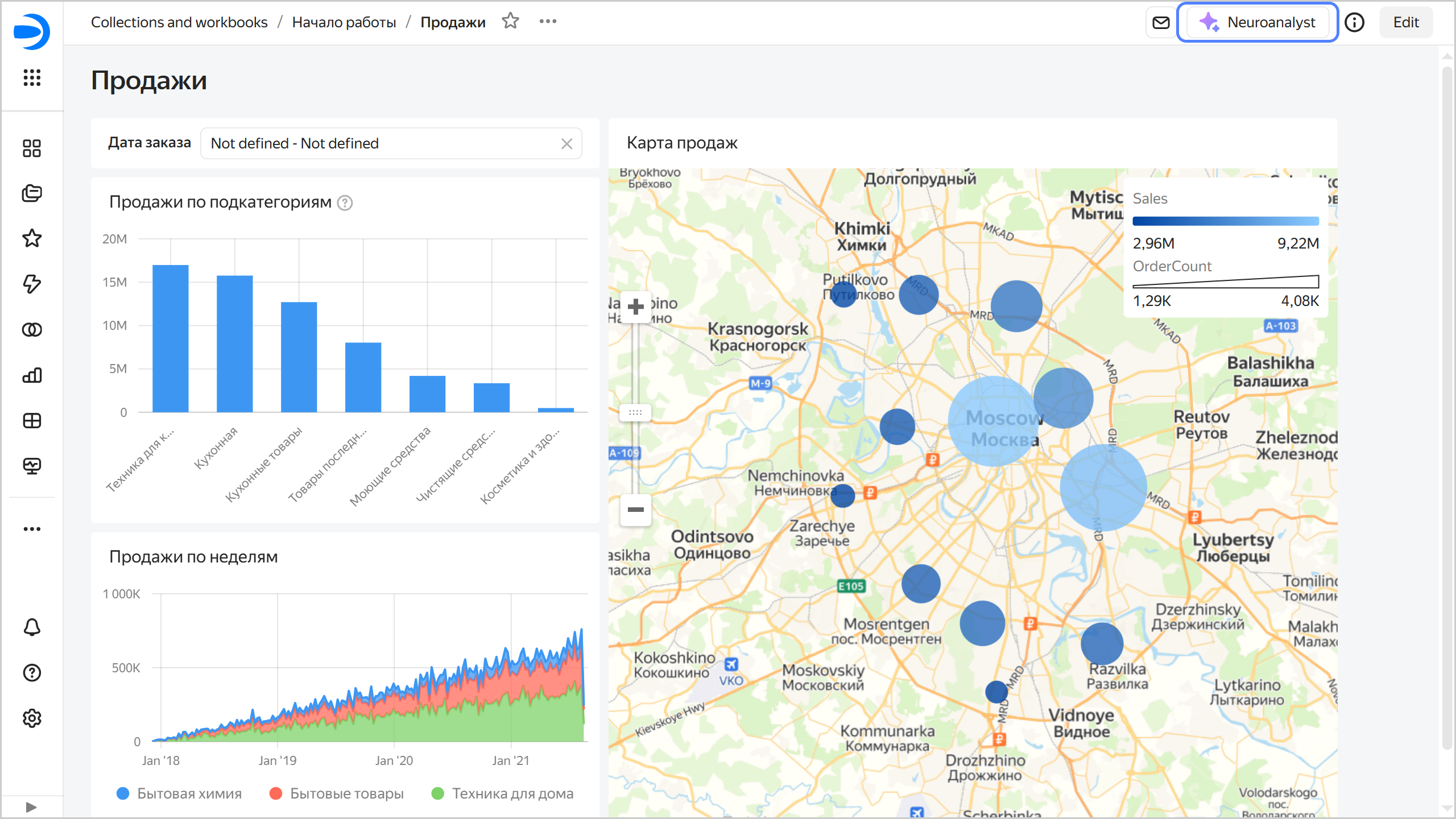
Click Neuroanalyst at the top of the dashboard to open the Neuroanalyst tab on the right.
Neuroanalyst for a dashboard tab
-
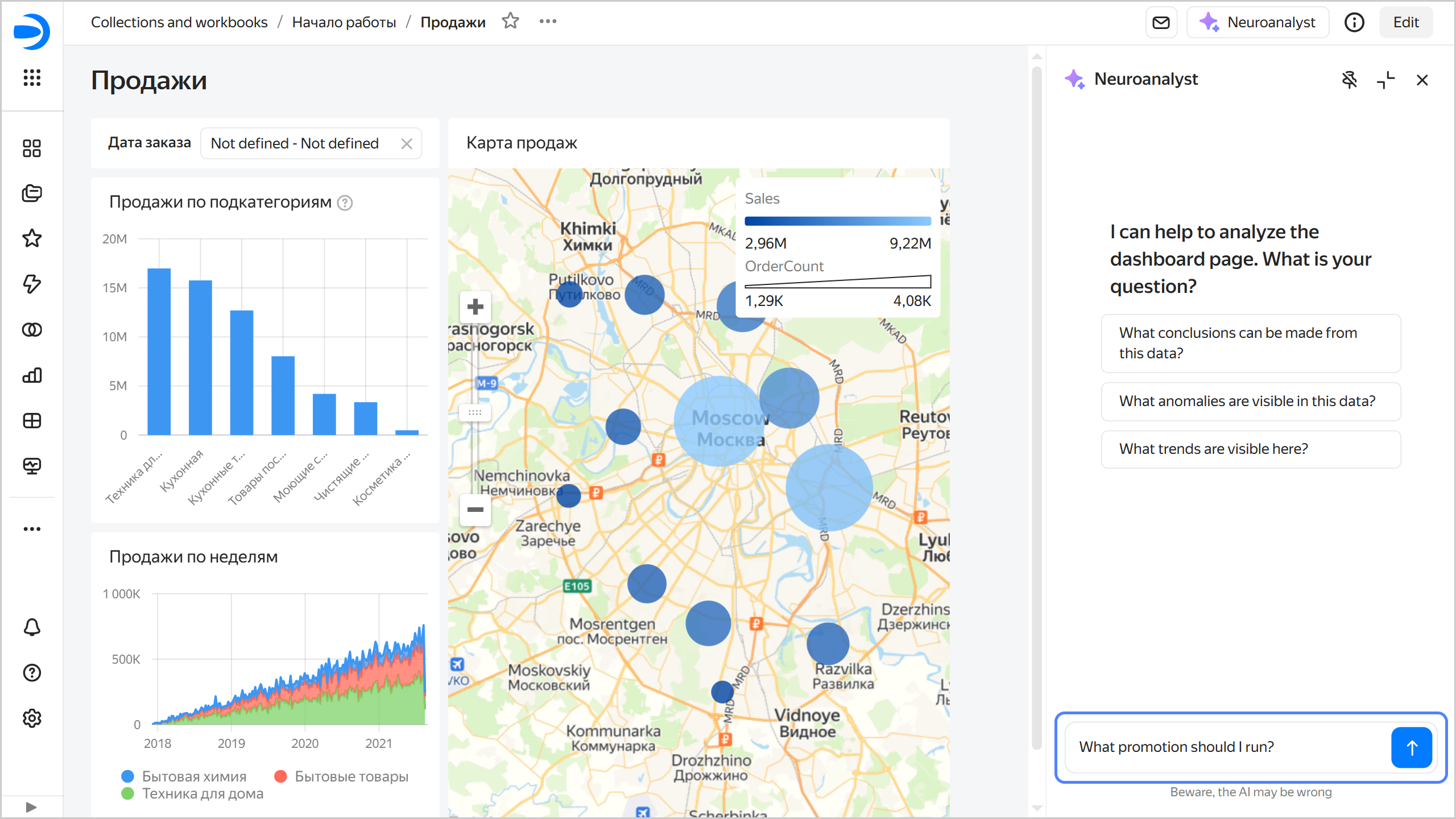
Select a question or ask your own one, e.g., "What promotion should I run?".
Question to Neuroanalyst
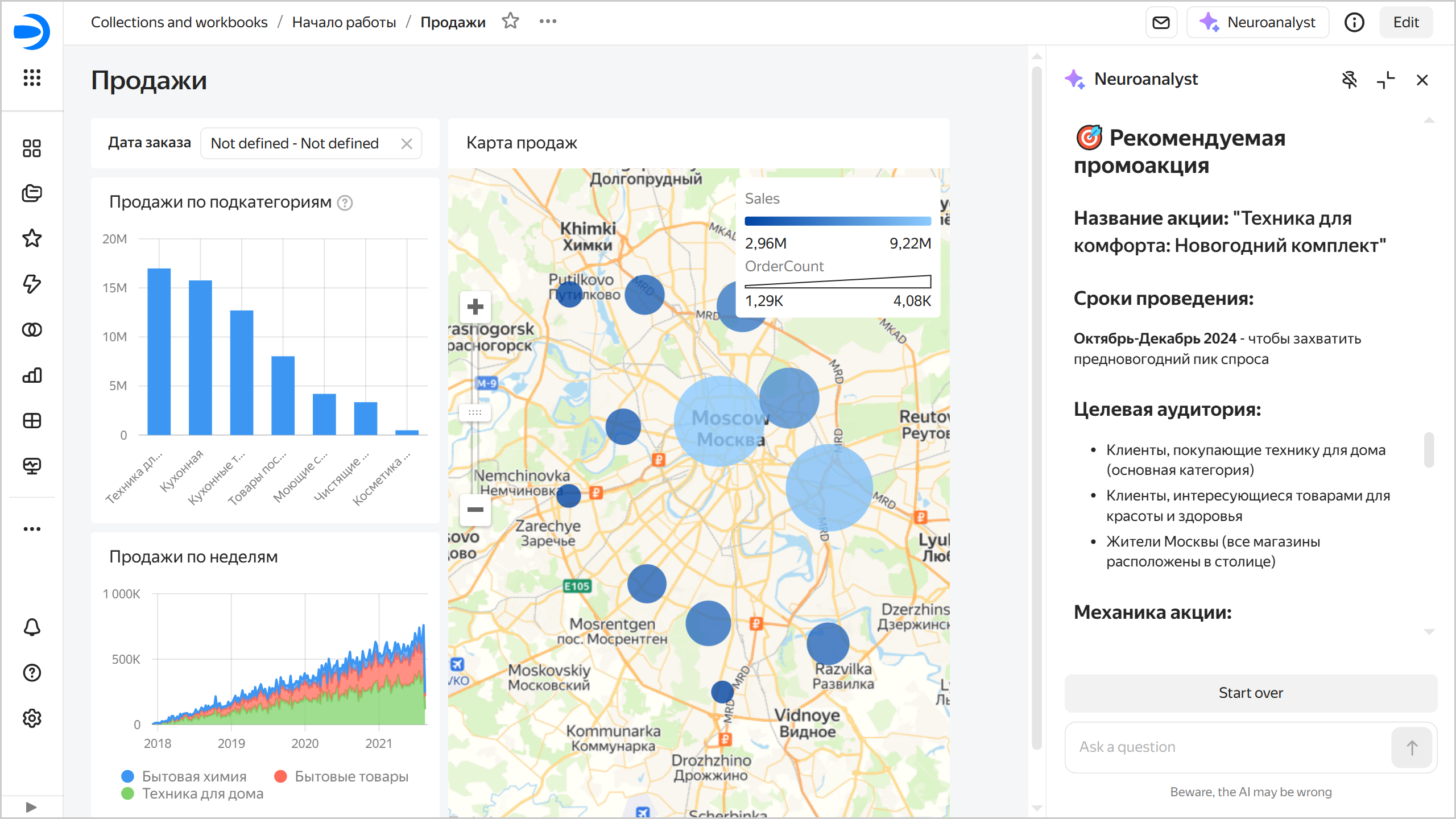
Neuroanalyst will analyze the current tab's contents, delve into the charts relevant for the answer, and generate a detailed response.
Neuroanalyst's answer
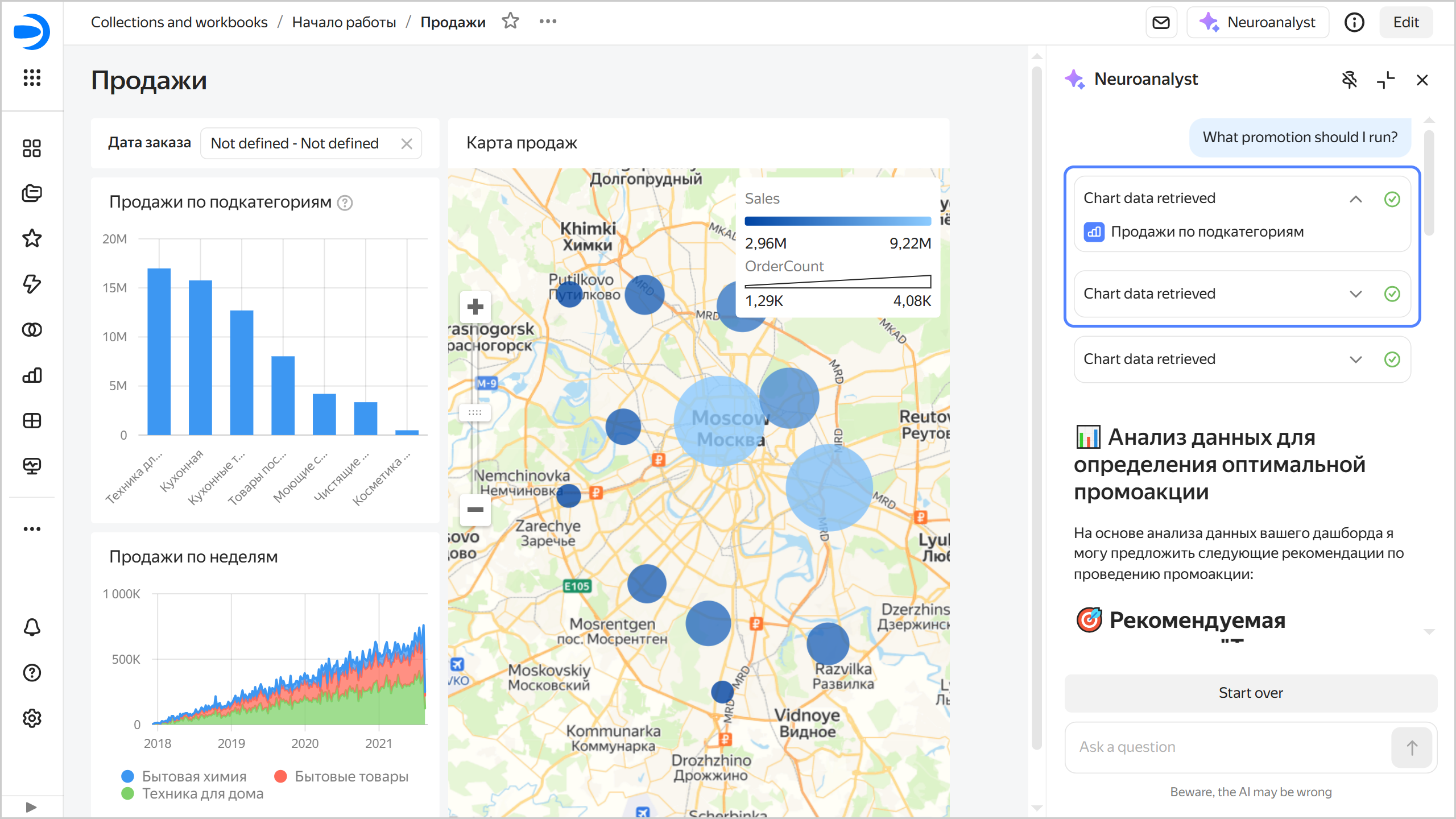
At the top of the Neuroanalyst tab, you will see the list of charts used to generate the answer.
List of charts used for Neuroanalyst' answer
-
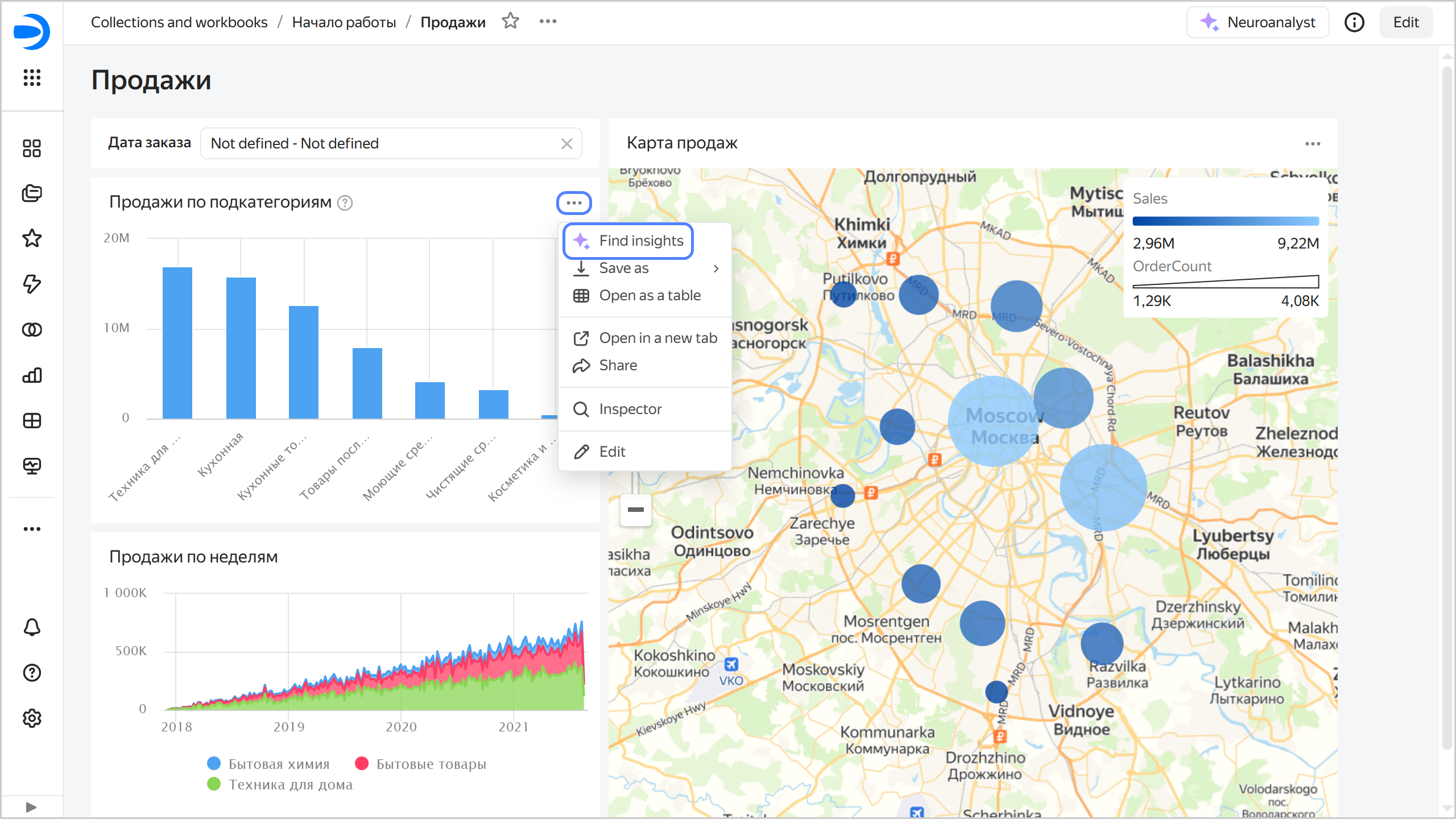
In the top right corner of the chart on the dashboard, click → Find insights to open the Neuroanalyst tab on the right.
Neuroanalyst for a dashboard chart
-
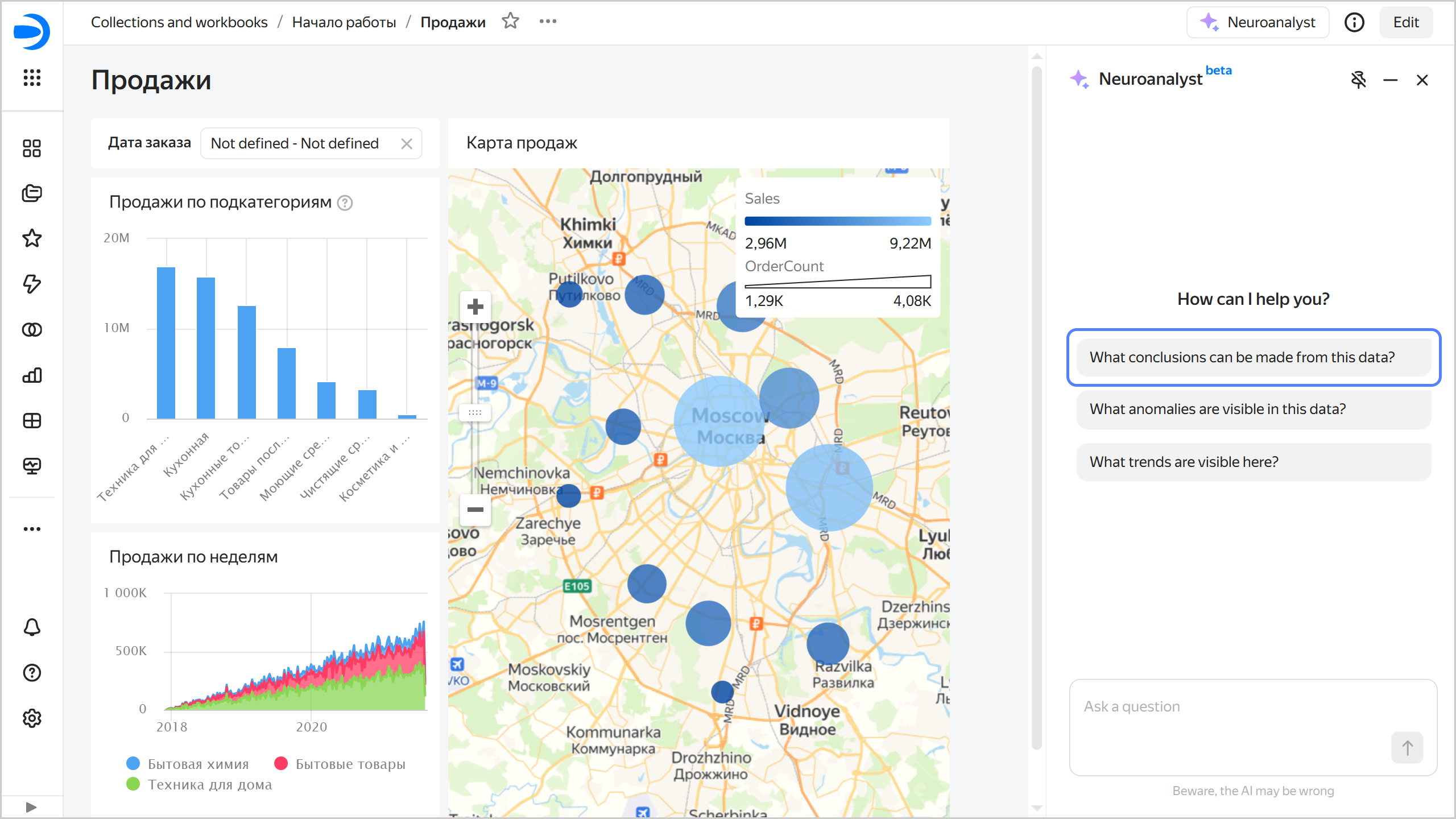
Select a question or ask your own, e.g., "What insights can I get from this data?".
Question to Neuroanalyst
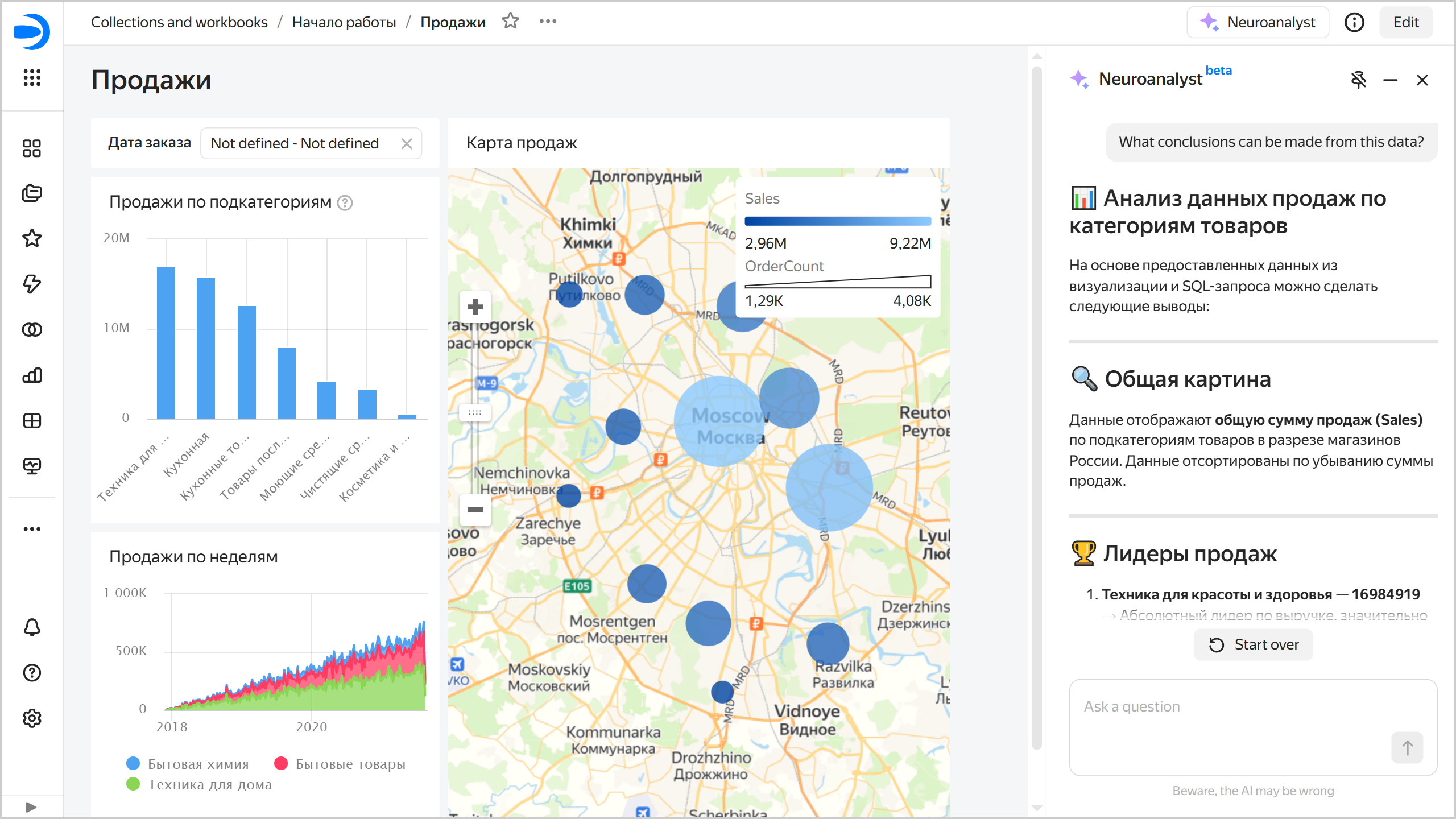
Neuroanalyst will give a detailed answer and suggest possible solutions and recommendations.
Neuroanalyst's answer
You can pin the chat with Neuroanalyst on top or along the side (default) of the dashboard. To change the chat position, click:
- : Chat on top of the dashboard.
- : Chat along side the dashboard.
All your queries to Neuroanalyst are private: logs are neither stored nor used for further fine-tuning or research.
You can ban the use of Neuroanalyst on a dashboard.
Limits
- The analysis can take quite a while.
- Chart description and tooltip are not added for tables.
- Neuroanalyst can only use the data you upload to the page. If the data volume is too large, it may exceed the context available for processing.
Neuroanalyst 2.0
Neuroanalyst 2.0 analyzes the dataset underlying your dashboard and can return an existing chart as a response or build a new chart based on the dataset. It uses the dataset and reference tab as context. Neuroanalyst 2.0 uses charts from the reference tab as templates when building new charts.
To use Neuroanalyst's multi-agent mode, enable the option in the dashboard settings.
Reference tab
Neuroanalyst 2.0 treats charts from the reference tab as verified examples of using the dataset and visualizing data.
While you can select any dashboard tab, Neuroanalyst's performance will effectively depend on your selection.
When selecting a reference tab, please follow these recommendations:
- On the tab, place wizard charts that describe your dataset in various aspects and answer different questions.
- In the descriptions of your dashboard charts or widgets, provide examples of questions they help answer.
- Instead of tab selectors, use filters in charts to make your charts answer more specific questions.
- Employ charts based on a single dataset.
- Use relevant field descriptions in the dataset.
How to enable Neuroanalyst 2.0
To enable Neuroanalyst 2.0 on your dashboard:
- In the left-hand panel, click Dashboards and select the dashboard you need.
- In the top-right corner, click Edit.
- Click at the top of the screen. The settings window will open on the right.
- If the Neuroanalyst option is off, turn it on (on by default).
- Enable the Beta version option.
- Select a reference tab if your dashboard has more than one tab.
- Optionally, hide the reference tab in the dashboard settings.
- In the top-right corner, click Save.
Limits
- It only applies to one dataset, the one underlying your reference tab.
- The titles of the first three charts get into Neuroanalyst's recommendations.
- Neuroanalyst is not available on mobile devices.