Access permissions in workbooks and collections

This section describes how access management works for objects stored inside workbooks and collections, as well as access to the workbooks and collections themselves. If an object is stored in a folder, access to it is configured differently; for details, see Object access permissions.
Note
Workbooks and collections are the primary navigation model in DataLens.
- A workbook contains connections, datasets, charts, and dashboards, and is the main unit for managing access permissions.
- A collection is used to group workbooks and other collections.
Some older DataLens instances still have folder-based navigation. We recommend switching from folders to workbooks to gain more convenience and features, including copying and exporting/importing workbooks, assigning access permissions to groups, and sending newsletters.
How to find where an object is stored
To find the location of an object (in a workbook, collection, or folder), select the section with the object type you need (connections, datasets, charts, dashboards) on the left panel and find the object in the list. Optionally, use the name filter.
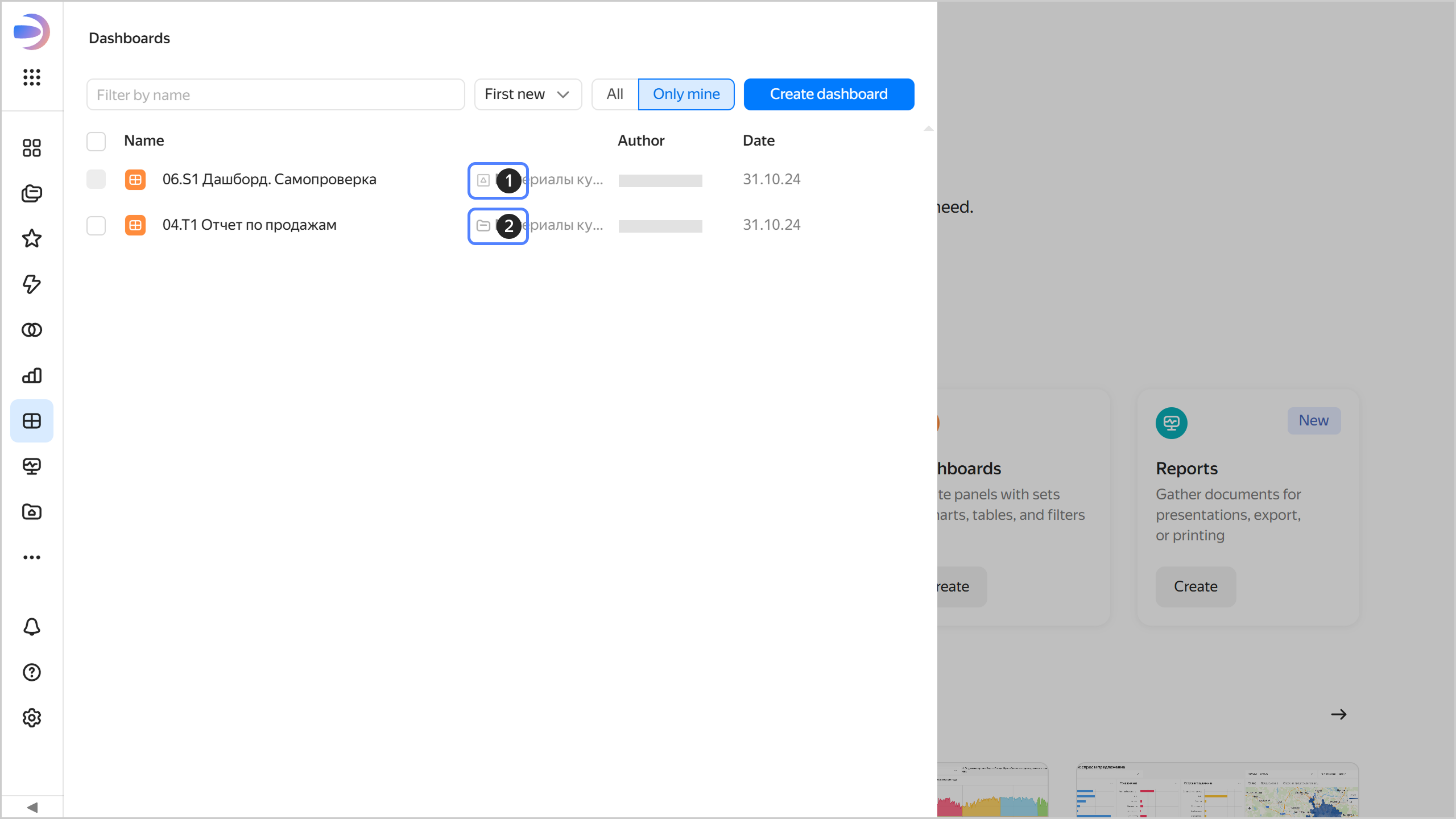
- : Object in a workbook.
- : Object in a collection.
- : Object in a folder.
Access to connections, datasets, charts, and dashboards is configured at the level of the workbooks and collections that store those objects. By granting access to a workbook or collection, you give the same access to all objects inside that workbook or collection: this is the basic setup of access permissions.
Advanced setup allows you to create common objects (connections and datasets) whose originals can be attached to multiple workbooks so that different teams can use them. Access to the original objects is managed by special permissions.