Yandex DataLens release notes: February 2026

Changes in basic features
-
Added support for additional trend and smoothing lines on dashboard charts. This allows you to temporarily change the visualization without saving the changes in the original chart.
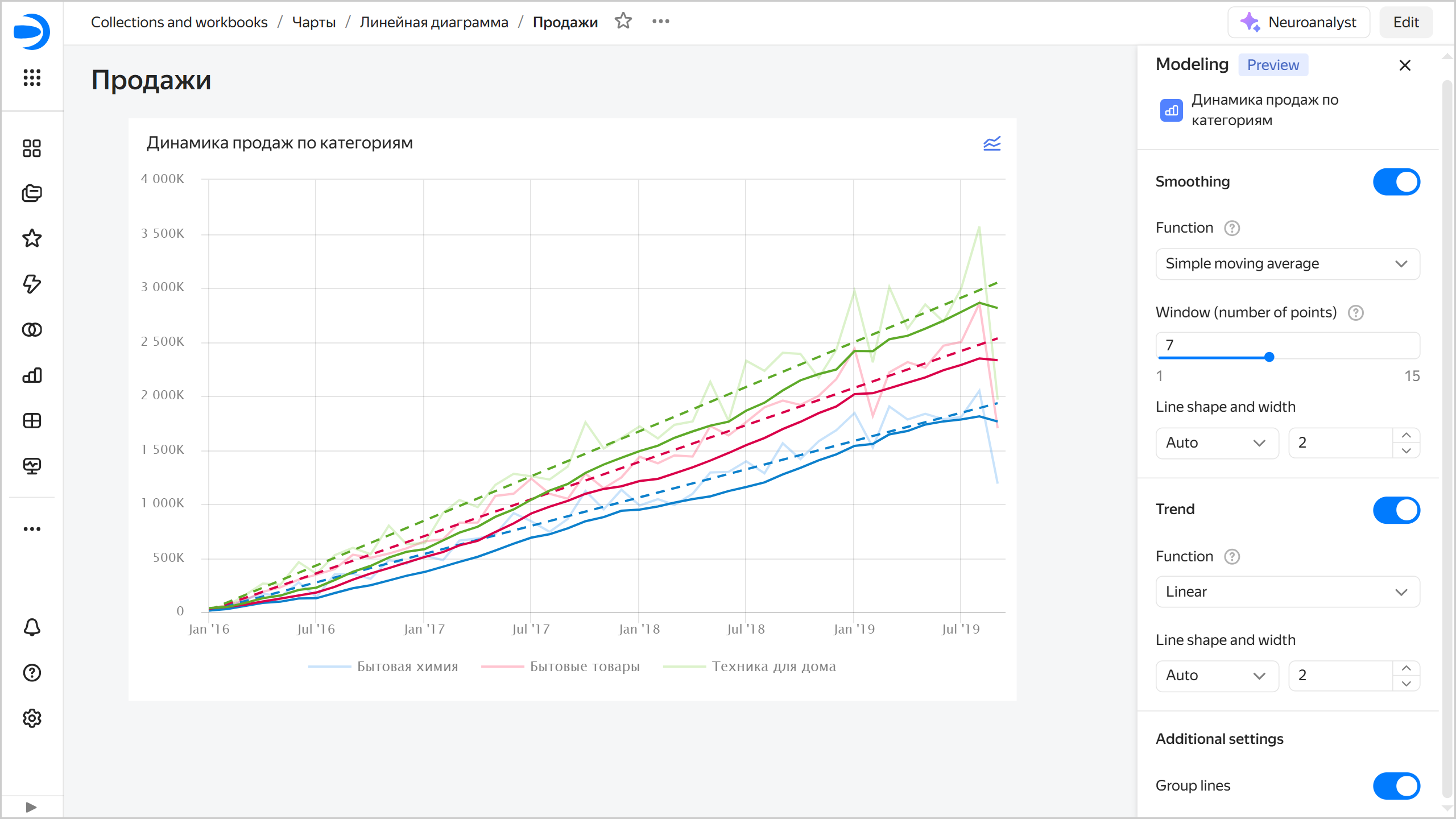
Currently:
- Available only for linear charts (Wizard, QL charts, or Editor charts).
- Available only from dashboards.
- Not available for linear charts with the
Xaxis in discrete mode. - The settings are not retained.
- Not available on public and embedded dashboards for now.
-
In chart color settings, you can now set a color with a HEX code, use an eyedropper tool, and adjust color transparency.
Fixes and improvements
-
In DataLens Gallery, enabled viewing a list of all categories and improved category name display in category cards.
-
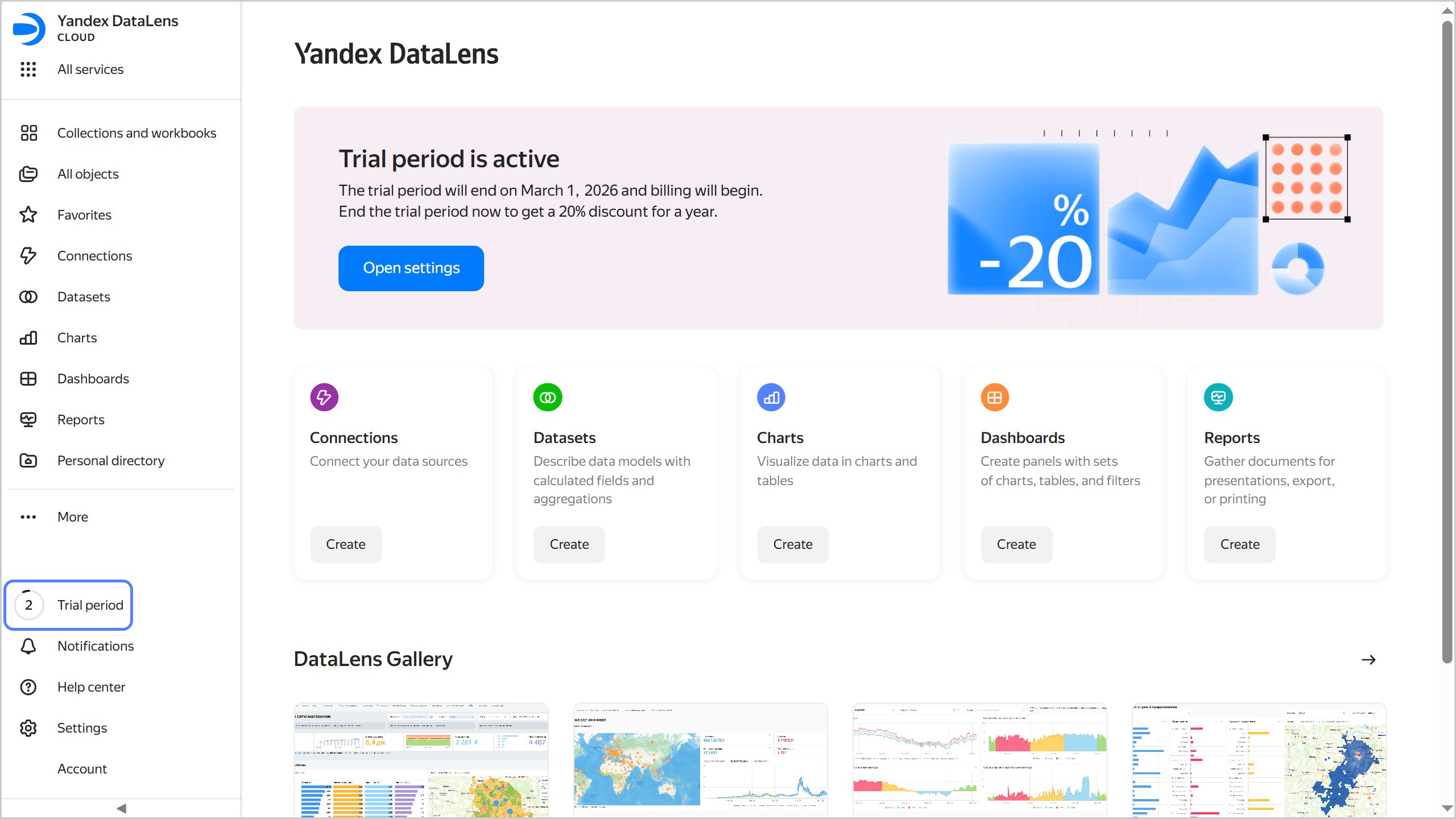
Added a sidebar indicator showing the trial period countdown.
-
Fixed an error that occurred when importing workbooks from files with specific Cyrillic characters in the name.
-
Improved navigation: the last breadcrumb item is now a link to the current page without parameters.
-
Added an option to copy a revision ID in the object revision history (for connections, datasets, charts, dashboards, and reports). To do this, in the list of versions, click → Copy ID.
-
Updated the Neuroanalyst chat UI.
-
Fixed an error that occurred when creating a dataset from the sidebar navigation.
-
In reports, fixed the behavior of links to headers during report preview in Presentation mode.
Dashboard fixes
-
Fixed an issue where filtering of charts by other charts failed to affect global selectors on other dashboard tabs.
-
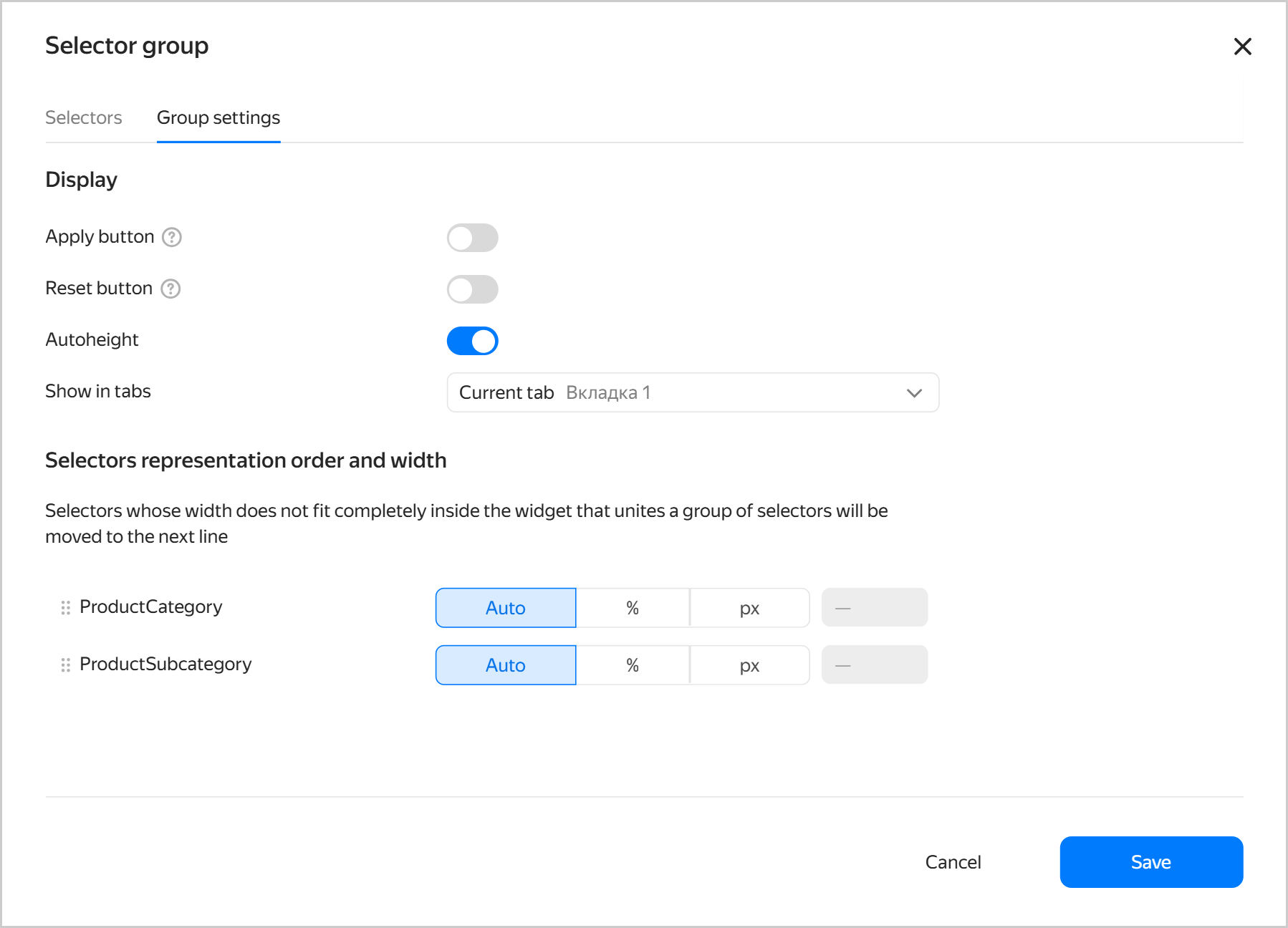
Improved the selector setup interface by optimizing the size and layout of UI elements.
Fixes in charts
-
Redesigned the measure color and size settings window in indicator charts:
- Size settings are now located in the indicator settings section.
- Moved color settings to the Colors section as in other chart types.
-
In charts, you can now configure X and Y axes without specifying a section field.
-
Revised the save confirmation behavior when exporting charts:
- For background export, the confirmation window appears after configuring export settings.
- For direct export, the confirmation window is not displayed.
-
Added support for disabling export at the connection level for Editor charts.
Fixes in connections
-
Added support for the
X-Org-IDandX-Cloud-Org-IDheaders when creating new API Connector connections. -
When connecting to ClickHouse®, the
NULLvalue underELSEin theCASEsection is no longer replaced by the default type value. -
Fixed incorrect behavior of unsaved changes warnings when creating a connection to YDB.
-
Supported column-oriented tables and the
DB_CASTfunction for YDB connections. -
In MySQL® connection advanced settings, you can now specify
collatefor queries. -
For Prometheus connections, added authorization via the
Authorizationheader. -
Added support for
Greenplum 7in Greenplum® connections. -
Fixed an issue where schemas starting with
pgwere not displayed in datasets connected to PostgreSQL.
ClickHouse® is a registered trademark of ClickHouse, Inc.