Monium Traces

Monium Traces is a distributed tracing system in Monium. It enables you to track requests as they move through services and components of your infrastructure: find the causes of errors, identify bottlenecks, and analyze performance.
Monium Traces receives data over the OpenTelemetry protocol (OTLP). To send traces, you can use any compatible tool: OpenTelemetry Collector, SDK, or other agents.
Problems addressed by tracing
In microservice architectures, tracing helps you to:
- Localize errors: Determine which of the many services caused the failure.
- Analyze performance: Identify the service or component that is slowing down the request.
- Track the request path: Observe which services and databases the request flowed through.
- Investigate rare events: Understand the causes behind anomalous system behavior.
In monolithic architectures, tracing enables you to:
- Analyze the internal request structure: Track execution through layers of logic (controllers, business logic, repositories) and find bottlenecks.
- Diagnose recurring failures: Find the root cause of unstable behavior that is difficult to reproduce.
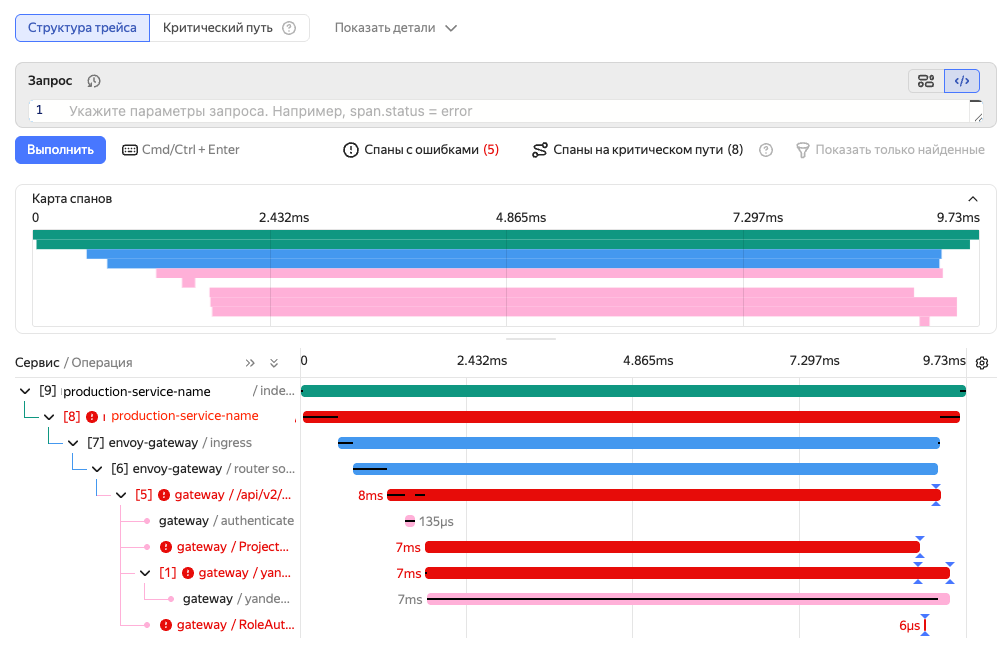
Connection setup
To send traces to Monium Traces, use any tool compatible with the OpenTelemetry protocol (OTLP), e.g., OpenTelemetry Collector or OpenTelemetry SDK.
If you are a Yandex Cloud user already familiar with OpenTelemetry, simply use the parameters below for the connection.
If you are just getting started with tracing, use this data delivery setup guide. It explains how to install the agent and configure sending telemetry to Monium, with examples.
Connection settings
-
Monium currently only accepts OpenTelemetry (OTLP) data.
-
Endpoint:
ingest.monium.yandex.cloud:443. -
Authorization: Service account with the
monium.traces.writerrole and API key with theyc.monium.traces.writescope. -
Project title:
x-monium-project=folder__<folder_ID>. -
Resource attributes:
service.name(application name) andcluster(environment, the default value isdefault).
Viewing traces
-
On the Monium home page, select Traces on the left.
-
At the top, set the search interval using the timeline, a preset interval, or by entering the time value directly.
-
Select Search by traces or Search by spans.
-
Enter a date search query.
By default, the search will take place in the current project:
folder__<folder_ID>, you can choose another one. -
Click Execute.
-
To open a separate trace, specify its ID in the Enter trace.id field at the top right.
For more on trace viewing and searching, see Searching for traces and spans.