Saving a chart as an image in Yandex DataLens
Written by

Updated at June 29, 2026
You can save a chart in PNG format. This option is available for Wizard charts, QL charts, and Editor charts.
To save a chart as an image:
-
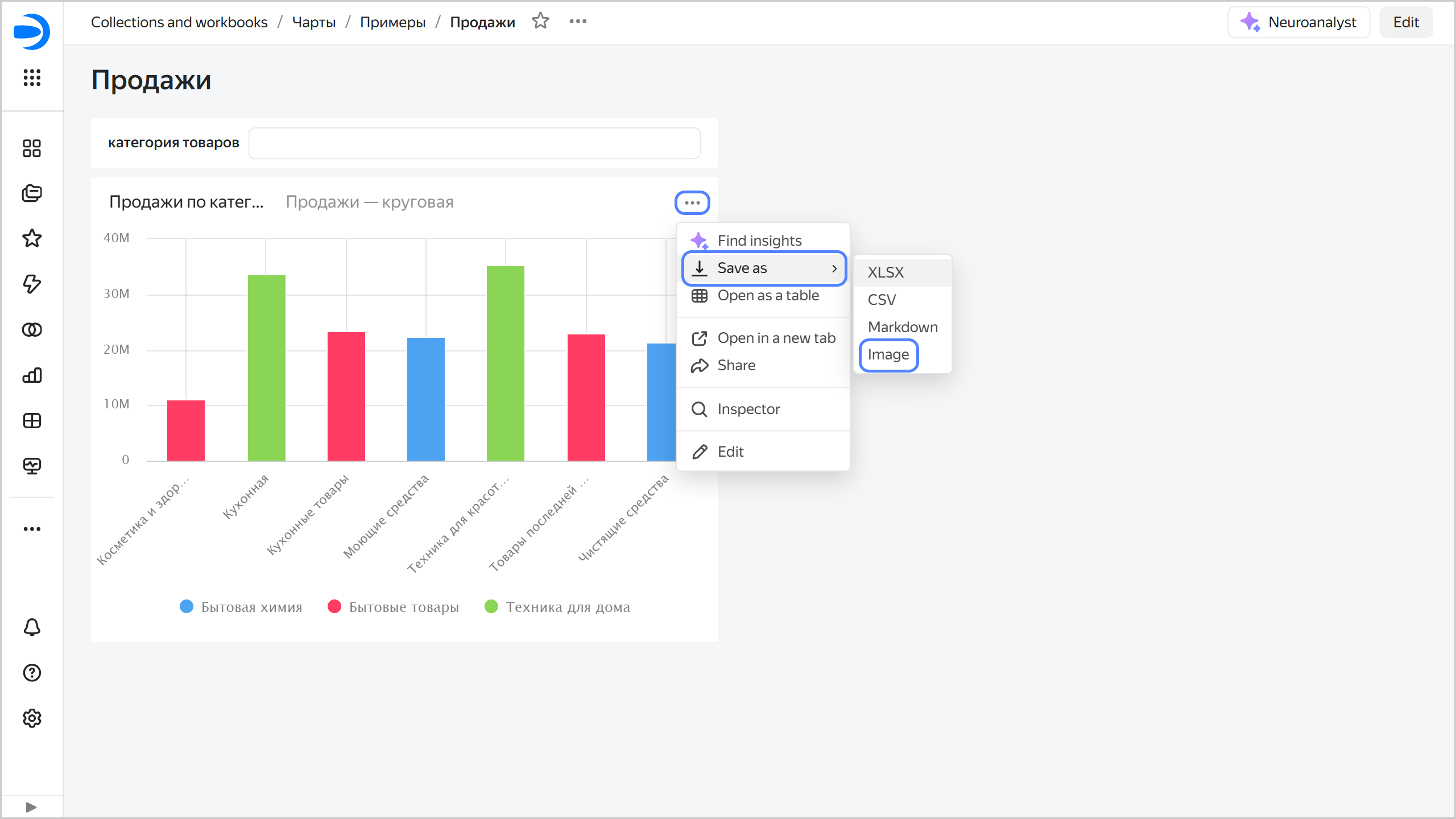
Open the chart and click → Save as → Image in its top-right corner.
Alternatively, on the top right of the chart on the dashboard, click → Save as → Image.Saving a chart on a dashboard as an image
-
Select the resolution:
- Standard, 900x600.
- Widescreen, 1600x720.
- Specify manually.
-
Optionally, enable Display interface elements.
-
Click Download.